

Work with links
Introduction
Section titled “Introduction”Units can be linked to folders and groups. Meaning that the unit will add to the group e.g software to an application group or a software package to a group of computers. In Asset Management, you link software to application groups from the right-click menu on a software in the Software view. The menu depends on whether the software is already linked to a group, but all the possibilities are described in the following.
| Element | Description |
| Link to group… | Available for software that isn’t linked to a group, e.g. in All software. Link the software to an existing application group. 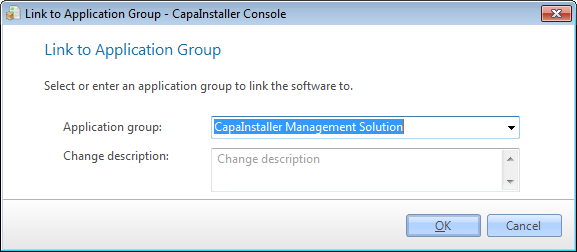 |
| Link to new group… | Available for software that isn’t linked to a group. Link to an Application group and create it at the same time. |
| Move to group… | Available for software in an application group. Move the software to another existing application group. |
| Move to new group… | Available for software in an application group. Move the software to a new application group and create it at the same time. |
| Unlink from group | Available for software in an application group. Remove the link to the application group. The software is shown in All software again. |