

User properties
The User Properties dialog shows the description, full name and email addresses stored for a user unit.
Open the user properties
Section titled “Open the user properties”- In Configuration Management, expand Units → Users.
- Right-click the user and select Properties.
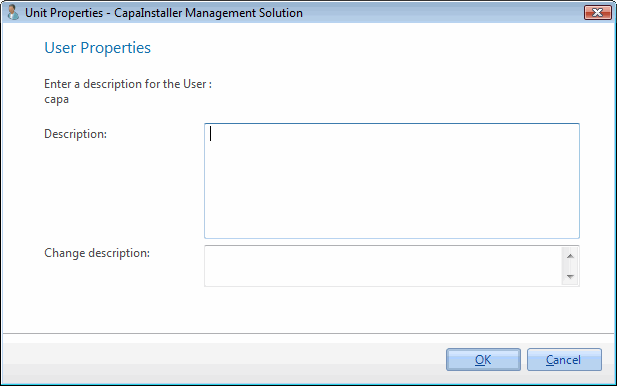
Properties
Section titled “Properties”| Field | Description |
|---|---|
| Description | An internal description of the user. It’s only visible in CapaInstaller. |
| Full name | The user’s full name. |
| Primary email | The user’s primary email address. |
| Secondary email | An additional email address for the user. |
| Tertiary email | A third email address for the user. |
| Change description | The comment that’s added to the change log when you save your changes. If your system requires a change description, you must enter one. |
To save changes, you need Manager rights for unit administration on the Configuration Management Point.