

Link Business Units to Profile
When you link Business Units to a profile, the members of the profile get access to the linked Business Units.
-
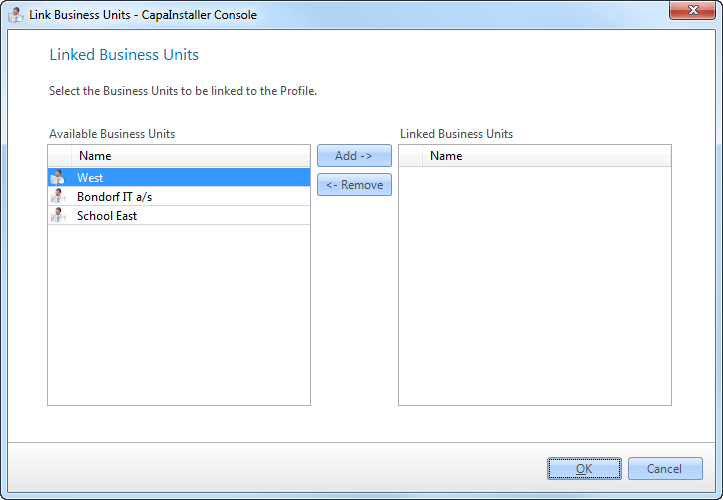
In System Administration → Security Management → All profiles, right-click a profile and select Linked Business Units….
-
In Available Business Units, select the Business Units, and click Add ->. To unlink a Business Unit, select it in Linked Business Units and click <- Remove.
-
Click OK to save the changes.