

How to add NIC to boot.wim
| Step | To do |
|---|---|
| 1 | In the CapaInstaller console, open OS Deployment, right-click your OS Deployment point, point to Boot Image, and click Create boot file…: 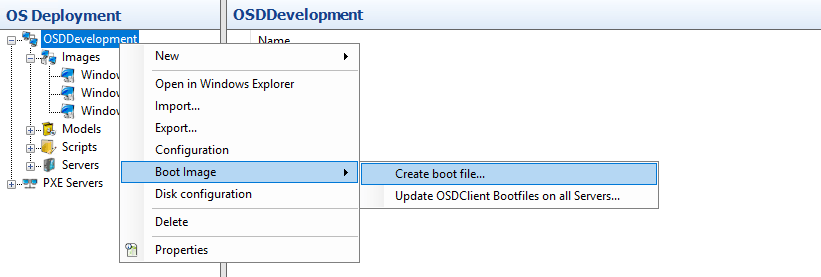 |
| 2 | Choose Create Boot Image for 64-bit UEFI systems: 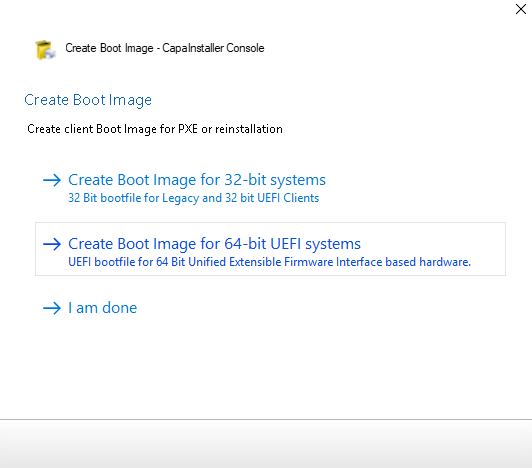 |
| 3 | To do this, you need the Windows ADK and the Windows PE add-on installed: OSD - Installation of Windows ADK and WINPE If they’re installed, click Next: 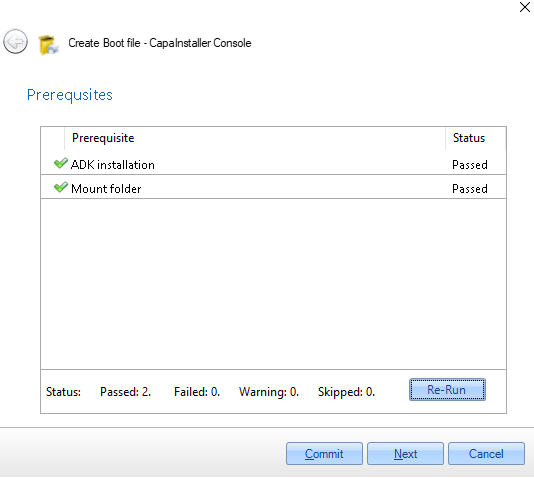 |
| 4 | Select the required feature packs, and click Next: 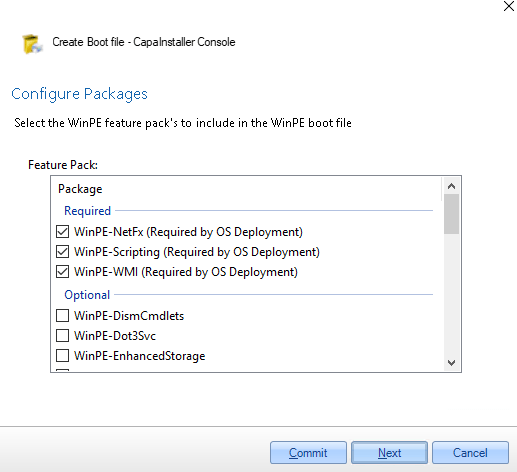 The other packages are optional. |
| 5 | On the Additional Drivers page, click Add…, add the drivers you need in your boot.wim, and click Next: 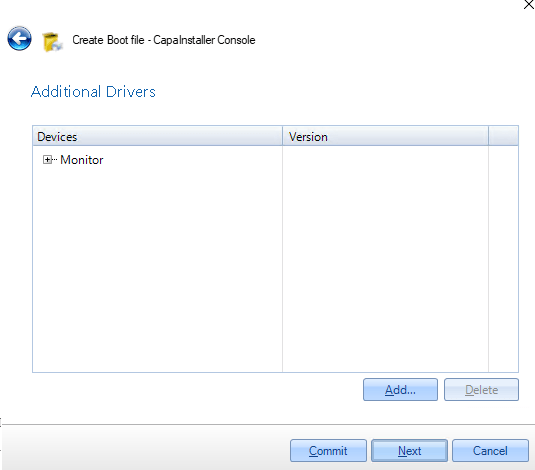 |
| 6 | Click Next: 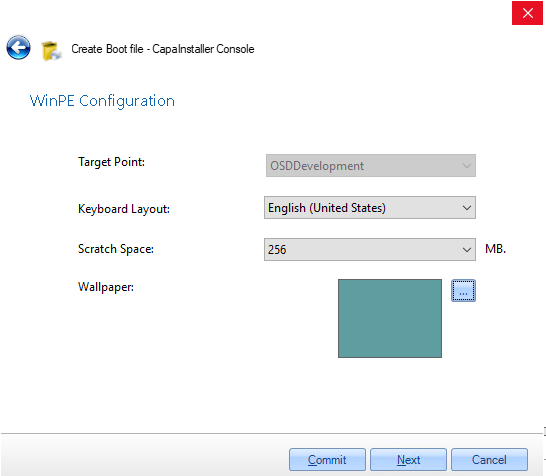 |
| 7 | Enter a change description and click Commit: 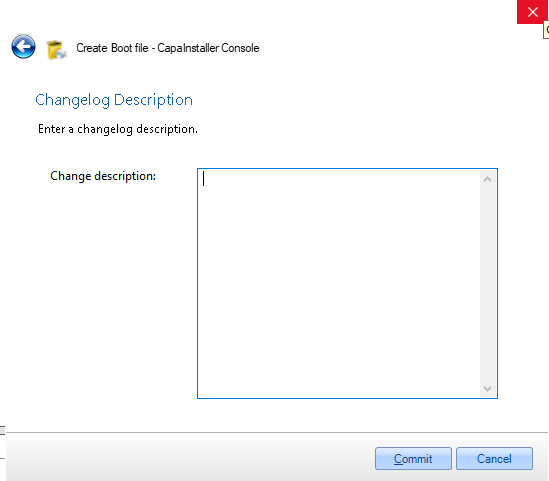 |
| 8 | Wait for the build to finish: 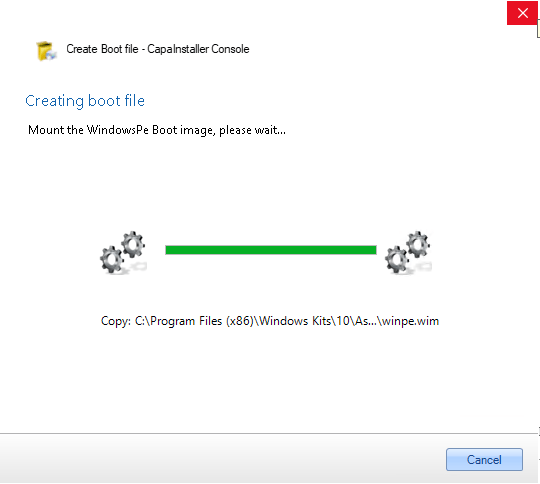 |
| 9 | The new boot image now contains the NIC driver. Click Update servers to copy it to the OS Deployment servers, or click I am done and update the servers later with Boot Image → Update OSDClient Bootfiles on all Servers…. Clients only get the new boot image after the servers are updated. 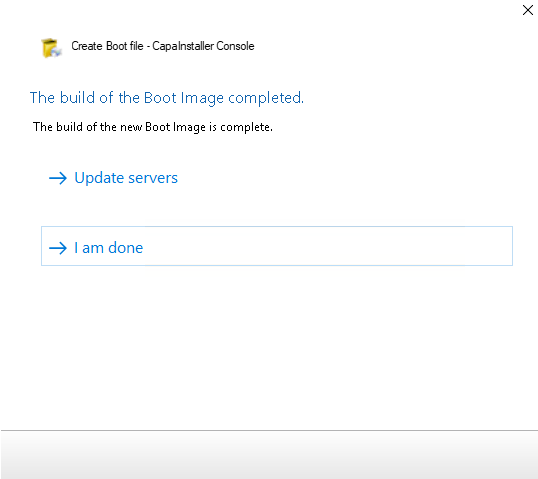 |
Related
Section titled “Related”- How to Add a NIC Driver to boot.wim for PXE Boot Failures — detailed troubleshooting: driver sources, ADK version issues, and redistributing the boot image to all OSD servers.