

How to remove iOS enterprise profile from Capa
| Step | Configuration |
|---|---|
| 1 | First, go in settings: 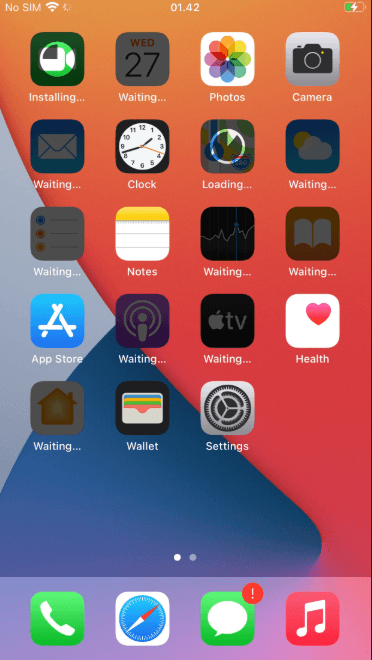 |
| 2 | Now, click on general: 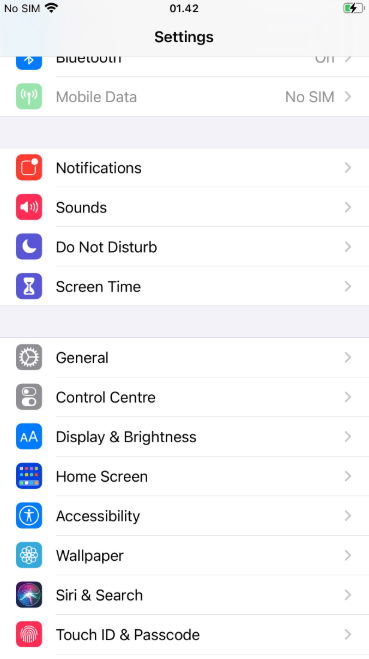 |
| 3 | On general, click on Device Management: 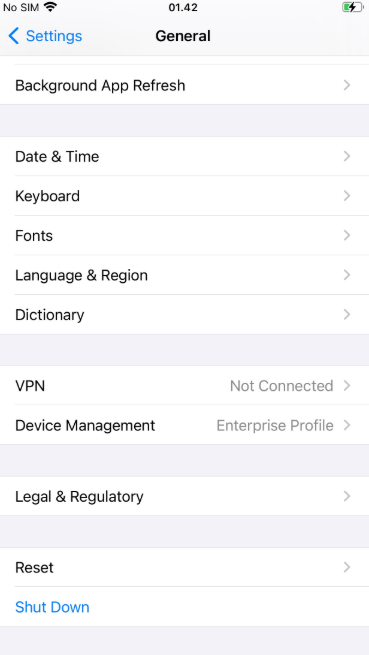 |
| 4 | On device management, click on your enterprise profile: 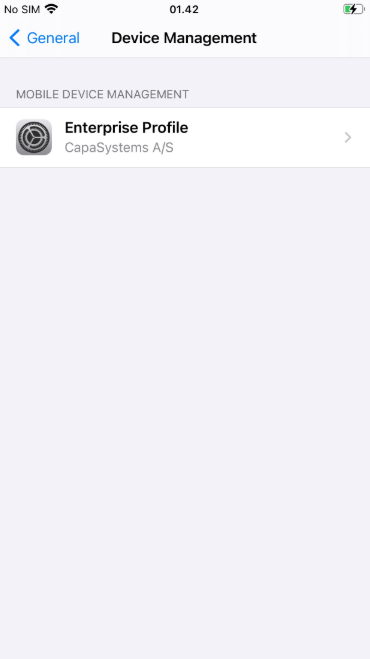 |
| 5 | On your enterprise profile, click on “remove management”. and after that, your enterprise profile should have been removed: 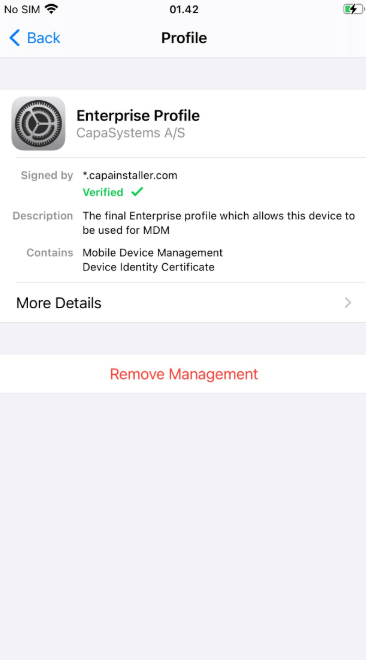 |
| 6 | Now, your enterprise profile should have been removed: 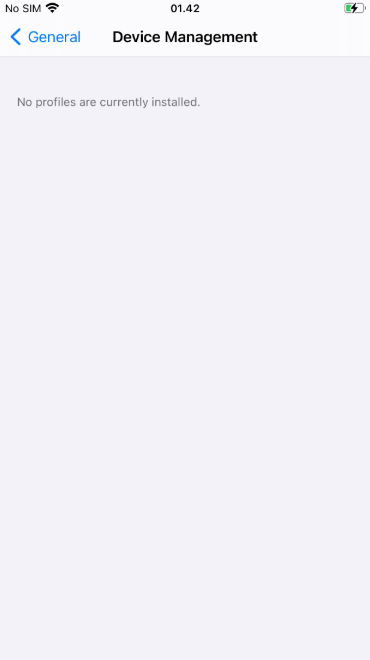 |