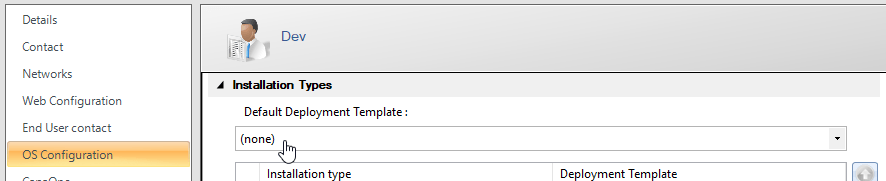
Assign Deployment template to a BusinessUnit
Select a default deployment template for a Business Unit. The OSD client uses it for units in the Business Unit when the selected installation type has no template assigned.
- Open the properties of the Business Unit.
- Select OS Configuration.
- In Default Deployment Template, select the template. Select (none) to remove the assignment.
- Select OK.