

Reporting Tree View
Each area of the Reporting and Queries plugin has its own tree view. Open a tree view with the buttons on the toolbar or from the Reporting menu.
| Tree view | Description |
|---|---|
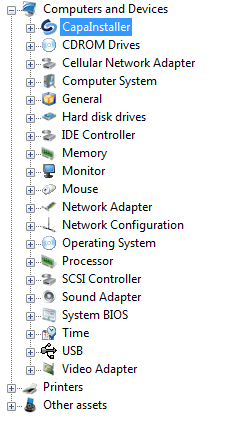 |
Hardware tree view. Contains Unit Inventory (unit properties such as Department, Unit State, and Business Unit), the hardware and custom inventory categories for Computers and Devices and Printers, and Other assets. |
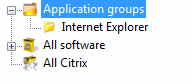 |
Software tree view. Contains Application groups and All software. |
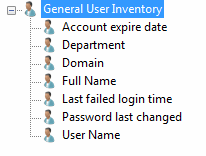 |
User tree view. Contains the user inventory categories. |
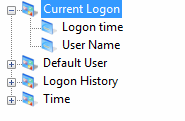 |
Logon tree view. Contains the logon inventory categories. |
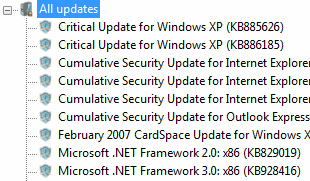 |
Updates tree view. Contains All updates. |
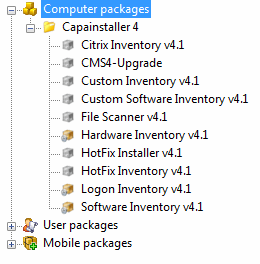 |
Packages tree view. Contains Computer packages, User packages, and Device Packages from the Management Point selected in Reporting and Queries options. If no Management Point is selected, the tree view shows Define Package CMP in Options. |
For the actions available when you right-click a node, go to Reporting and Queries.