

Delete a group
Delete the group
Section titled “Delete the group”-
In Configuration Management, right-click the group and select Delete. To delete several groups at once, select them in the content view first.
-
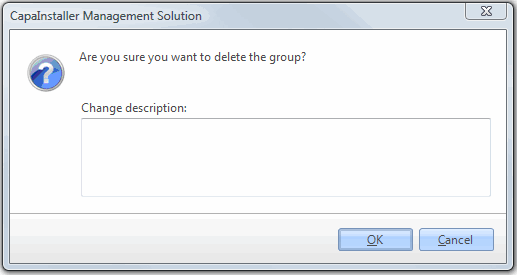
In the confirmation dialog, optionally enter a Change description.
-
Click OK.
The group is removed from the navigation pane.