

Printer properties
A printer’s custom properties only consist of a description, which is an internal description of the printer.
Open Printer Properties like this:
Click on Configuration Management/Units/Printers find the printer, right-click it, and select Properties.
Furthermore, a list of inventory data can be viewed in the printer’s detail view.
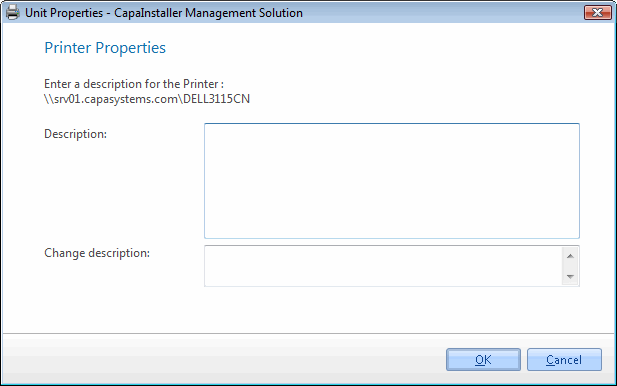
| Element | Description |
| Description | Description of the printer |
| Change description | If the description is changed, the entry in the Changelog will include this change description. |