

Create a catalog group
A catalog group is a category in the software catalog that users browse in CapaInstaller InfoCenter. After you create the group, you publish packages to it from the package properties.
Create the group
Section titled “Create the group”-
In Configuration Management, expand your Configuration Management Point, then Groups → System Groups.
-
Right-click Catalog Groups and select Create group….
-
In Name, enter the name of the catalog group. The name must be unique among the catalog groups on the point.
-
Optional: select Auto expand.
-
Optional: enter a Change description. If your system requires a change description, you must enter one.
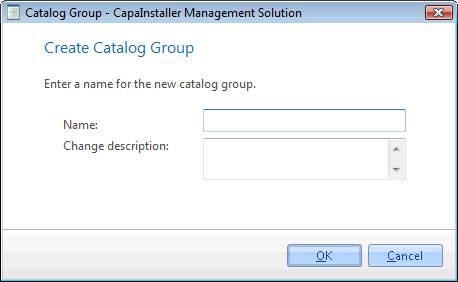
-
Click OK.
The catalog group appears under Catalog Groups.