Attachments are available on the Attachment tab in the content view, next to the Properties tab. You can edit attachment files of any type, as long as the document can be opened in a program. While you edit an attachment, other console users can’t edit the same attachment.
|
|
| Step |
Action |
| 1 |
Select the unit or software, and click on the Attachment tab. |
| 2 |
Right-click on an attachment in the content view, and click Open and the attachment will open in the associated program |
| 3 |
Make your changes to the attachment and save the changes with Save |
| 4 |
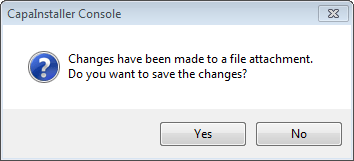
When you return to CapaInstaller Console, a message box asks if you want to save the changes to the file attachment.
 |
| 5 |
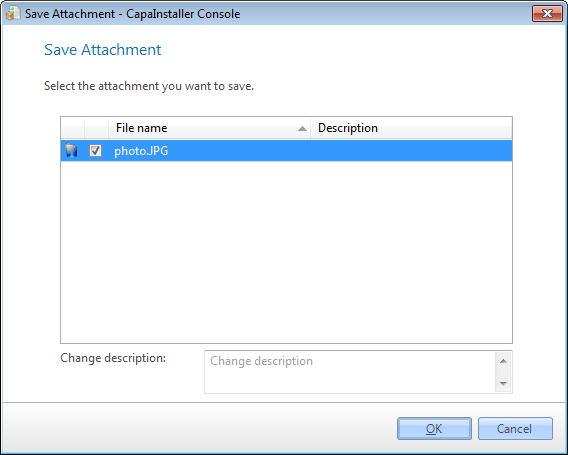
Click Yes. The Save Attachment window is displayed.
 |
| 6 |
Select the attachment, enter a change description, and click OK. The edited file is saved to the database. |
|
|
| If you want to… |
You can… |
| Save an edited attachment later |
Click on File/Save attachment…, select the attachment, and click OK. |
| Add a new attachment |
Use attachments to see how. |

