

Changelog simple search
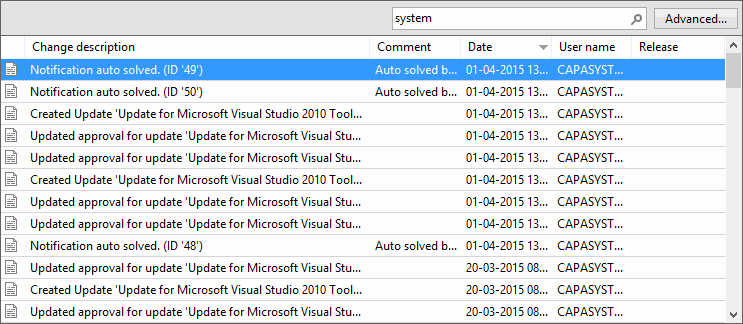
Changelog simple search is placed on top of the grid view in the changelog. Use it to do a quick search in the changelog.
-
Enter a string to search for in the search box above the grid view, and then press Enter or click the search icon.
The simple search searches in the change description, the comment, and the user name. It only searches one month back and returns a maximum of 1000 records. You don’t need to insert wildcards, because wildcards are automatically inserted before and after each word.
-
To search further back or narrow the search, click Advanced… to open Changelog advanced search.
