

Patch Management child point
A child point is created below the root point and is displayed in the same hierarchy in the Patch Management tree and in the WSUS console. You can create multiple child points below the root point, for example Standard Computers, Standard Servers, and SQL Servers. For each child point, you select the categories and classifications to approve updates from and define the approval rules.
On the WSUS server, the child point is named <name>_<GUID>.
Right-clicking a child point gives you the following options:
| Element | Description |
|---|---|
| New group | Creates a new Patch Management group. See Create a Patch Management Group. |
| Approval rules | Defines how updates are approved to the groups under the child point: manually, immediately, or scheduled. See Approval rules. |
| Categories and classifications | Selects the categories and classifications to approve updates from. See Categories and Classifications. |
| Edit | Renames the child point. |
| Delete | Deletes the child point. You’re asked to confirm this. 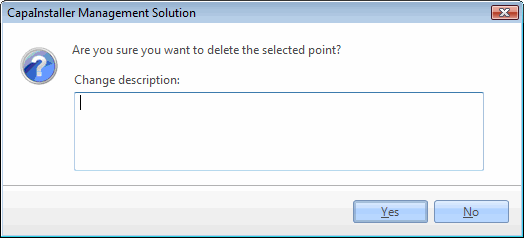 |
| Element | Description |
|---|---|
| Groups | The groups linked to the child point are displayed below it. |