

Patch Management root points
The root point is the top level in the hierarchy. You create it from the File menu. There can only be one root point in the system. Below the root point, you can create multiple child points. See Create a Patch Management root point.
| Element | Description |
|---|---|
| Child points | The child points linked to the root point are displayed below it. |
Right-clicking the root point gives you the following options:
| Element | Description |
|---|---|
| New child point | Creates a new child point. See Create a Patch Management child point. |
| Edit | Renames the root point. |
| Delete | Deletes the root point. You’re asked to confirm this. 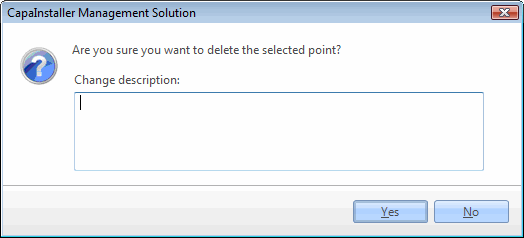 |