CapaBitLocker v4.0 - ReInstall Support
CapaBitLocker v4.0 released on December 16, 2022
Implementation
Section titled “Implementation”To support endpoint reinstallation from the CapaInstaller Console, the Reinstall_Custom_WinPE.cis file must be copied to the following folder:
\\<Server>\<CMP>\Resources\Reinstall\v4.1\Scripts\
If the Reinstall_Custom_WinPE.cis file is already used for other purposes, the contents of the Reinstall_Custom_WinPE.cis file must be integrated into the existing file.
CapaInstaller updates don’t overwrite an existing Reinstall_Custom_WinPE.cis file, so the file stays in place when you update CapaInstaller.
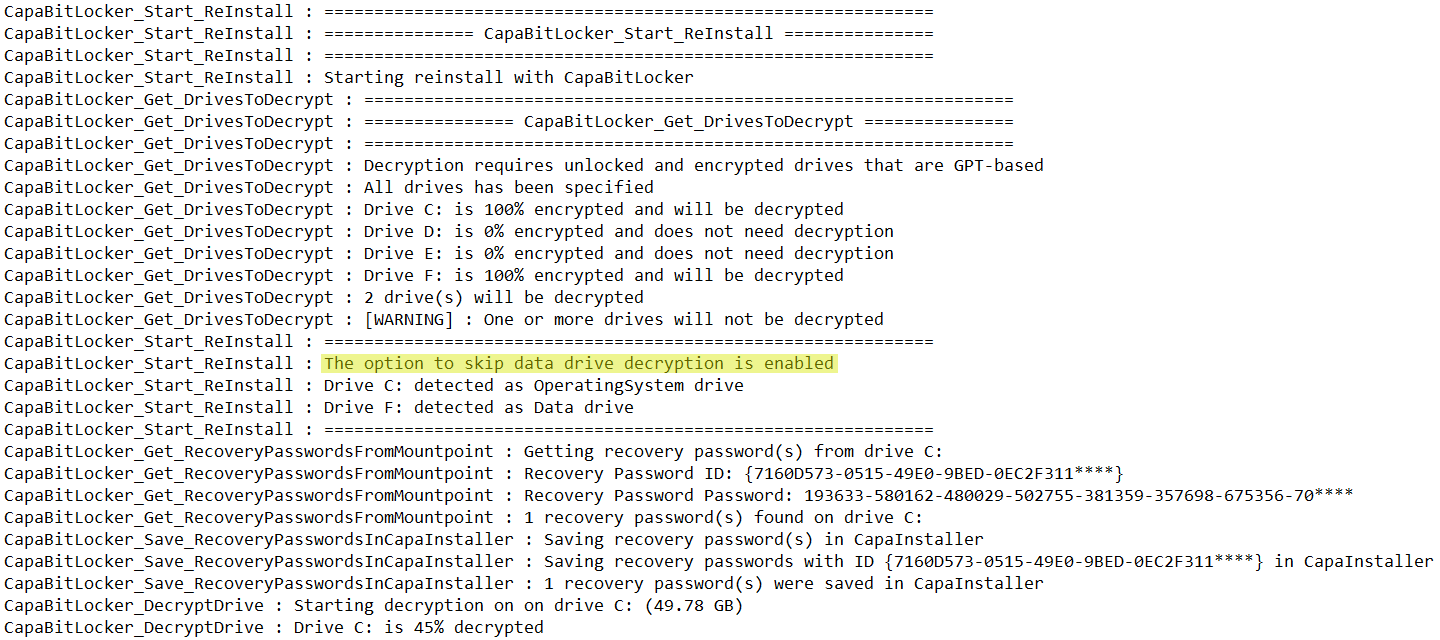
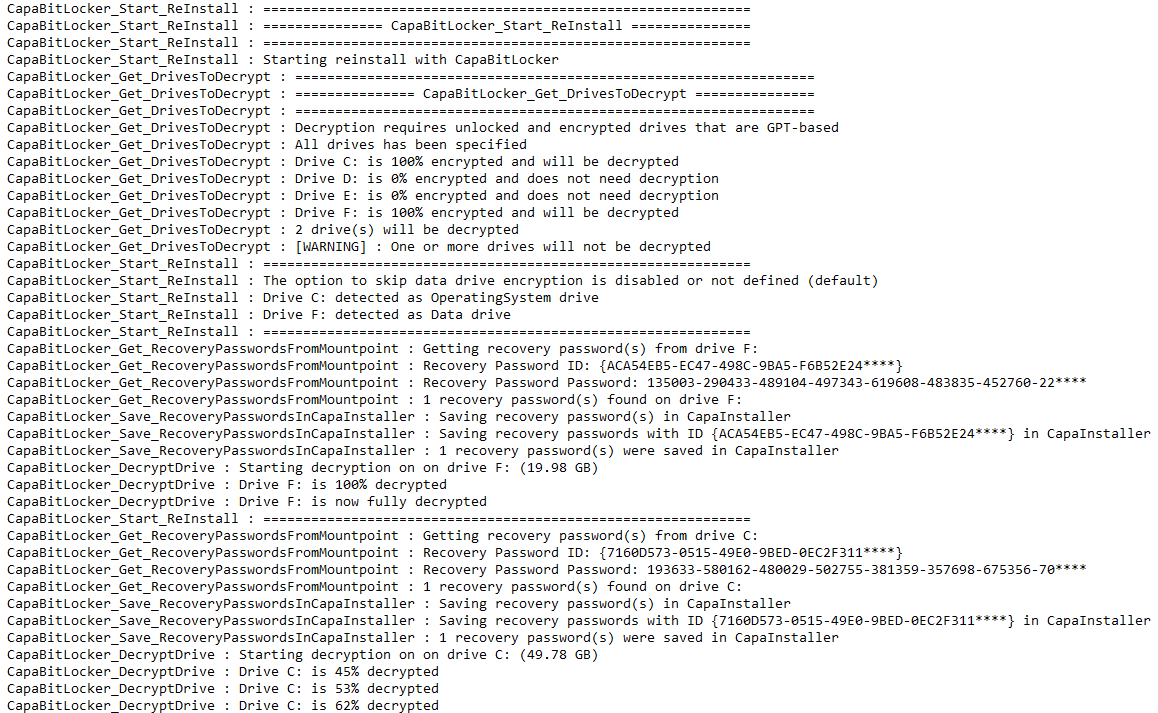
Log example:
Disable decryption of data drives during reinstall
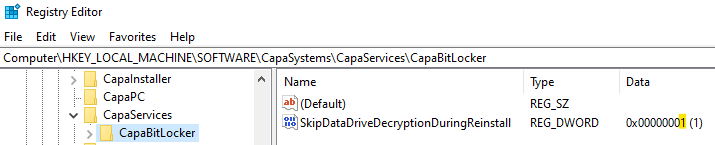
Section titled “Disable decryption of data drives during reinstall”Data drive decryption can be disabled during reinstall, by setting the DWORD value SkipDataDriveDecryptionDuringReinstall to 1 in the following registry key on the endpoint:
HKLM\SOFTWARE\CapaSystems\CapaServices\CapaBitLocker