

Link Business Units to Management Servers
You can link Business Units to Management Servers, and unlink them again.
-
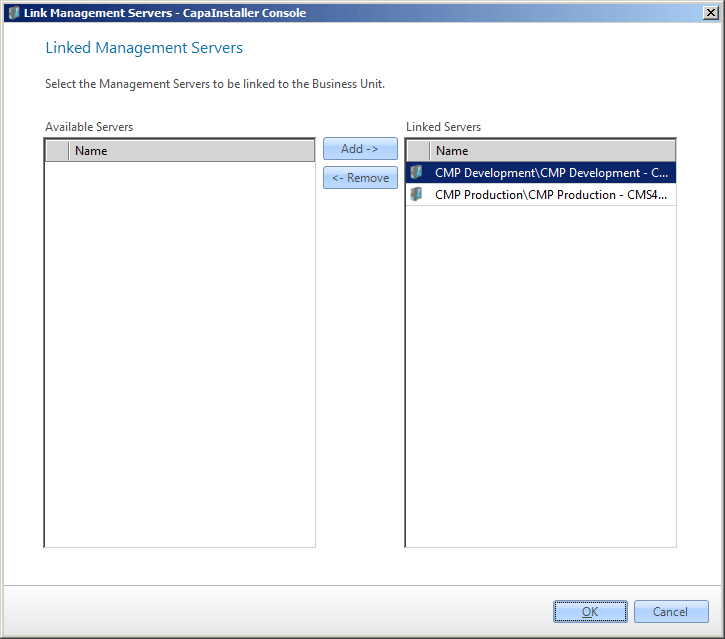
In System Administration → Business Units, right-click a Business Unit and select Link to Servers….
-
In the list of available servers, select the Management Servers, and click Add ->. To unlink a server, select it in the list of linked servers and click <- Remove.
-
Click OK to save the changes.