

Asset Management options
The following is a description of the options for Asset Management. To open them, select Tools → Options…, and then select Asset Management.
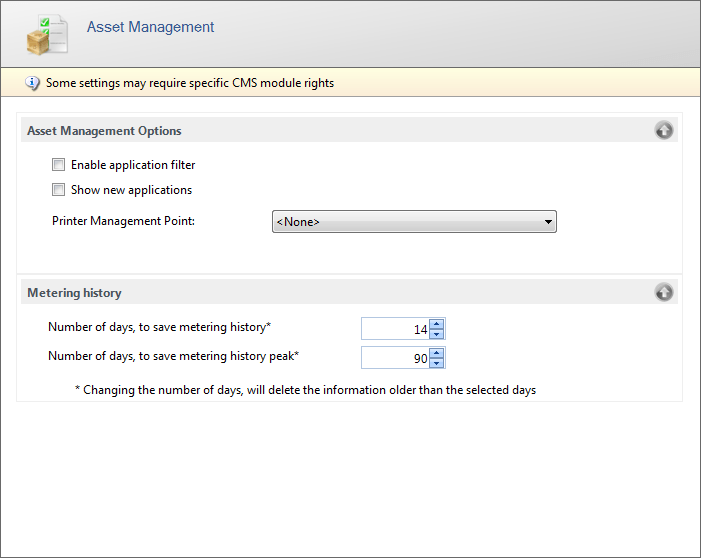
| Element | Description |
|---|---|
| Enable application filter | Checking this setting will remove all applications with hiding in Reporter enabled. |
| Show new applications | Checking this setting will change the icon of all applications not linked to an application group and do not have a number of licenses registered. |
| Printer Management Point | Select the Management Point from which the printers must be shown in the tree view. Select <None> to show no printers. |
| Number of days, to save metering history | The number of days that detailed metering history is kept. The value must be from 14 to 60 days. The default is 14 days. |
| Number of days, to save metering history peak | The number of days that metering history peaks are kept. The value must be from 30 to 356 days. The default is 90 days. |