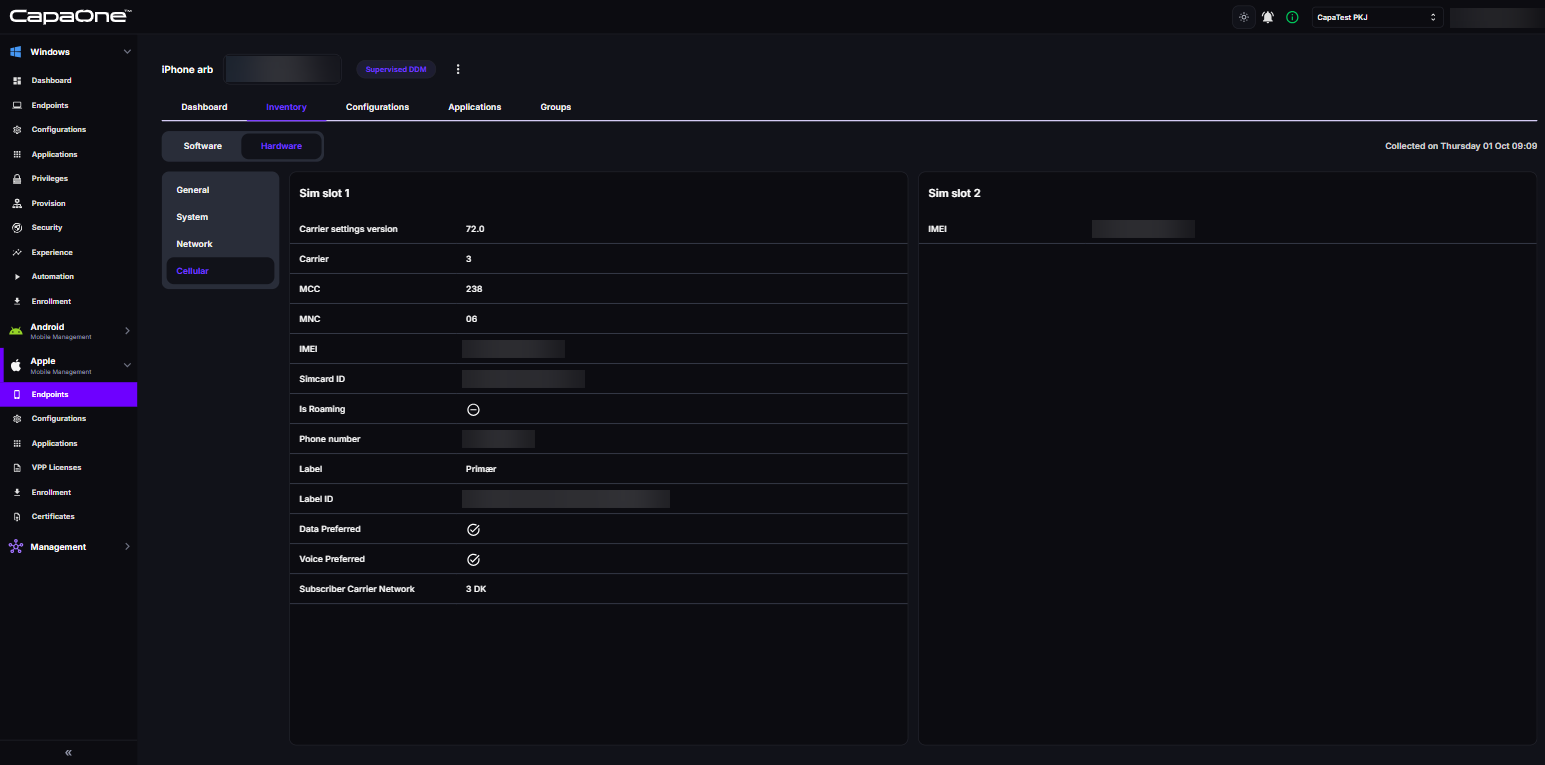
Find SIM Card Information on Apple
This how-to article will guide you in finding the SIM card information, such as phone number and carrier, for an iPhone.
Instructions
Section titled “Instructions”- Login to Dash.capaone.com
- Open the Apple menu on the Left side.
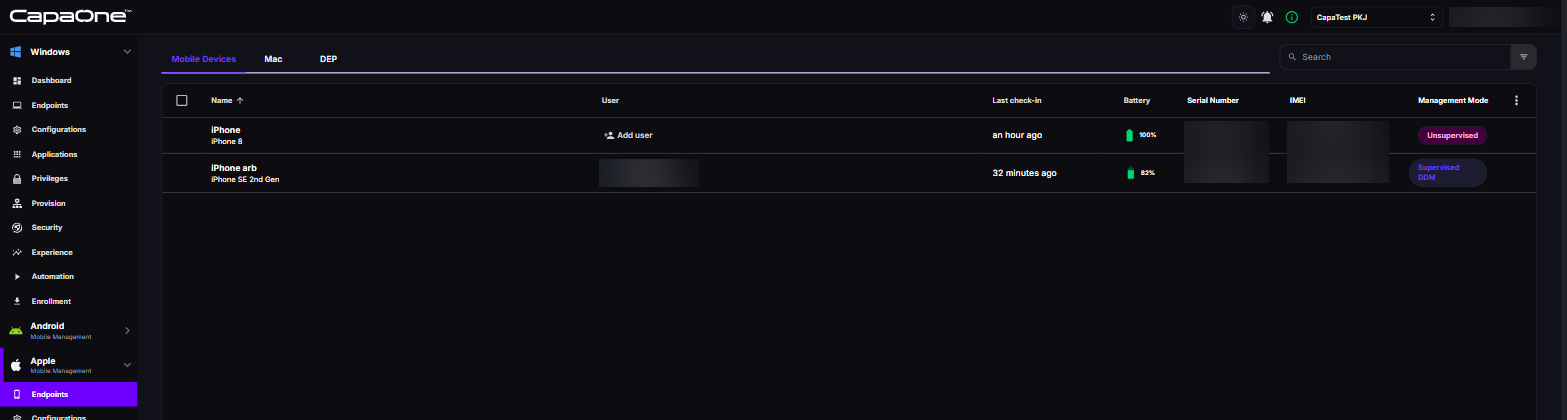
- Go to Endpoints.
- Find the device you need the information from and click on the name of the device to go to the device page.
- On the device page, go to Inventory → Hardware → Cellular.