Apple DEP Integration
Integrate Apple DEP
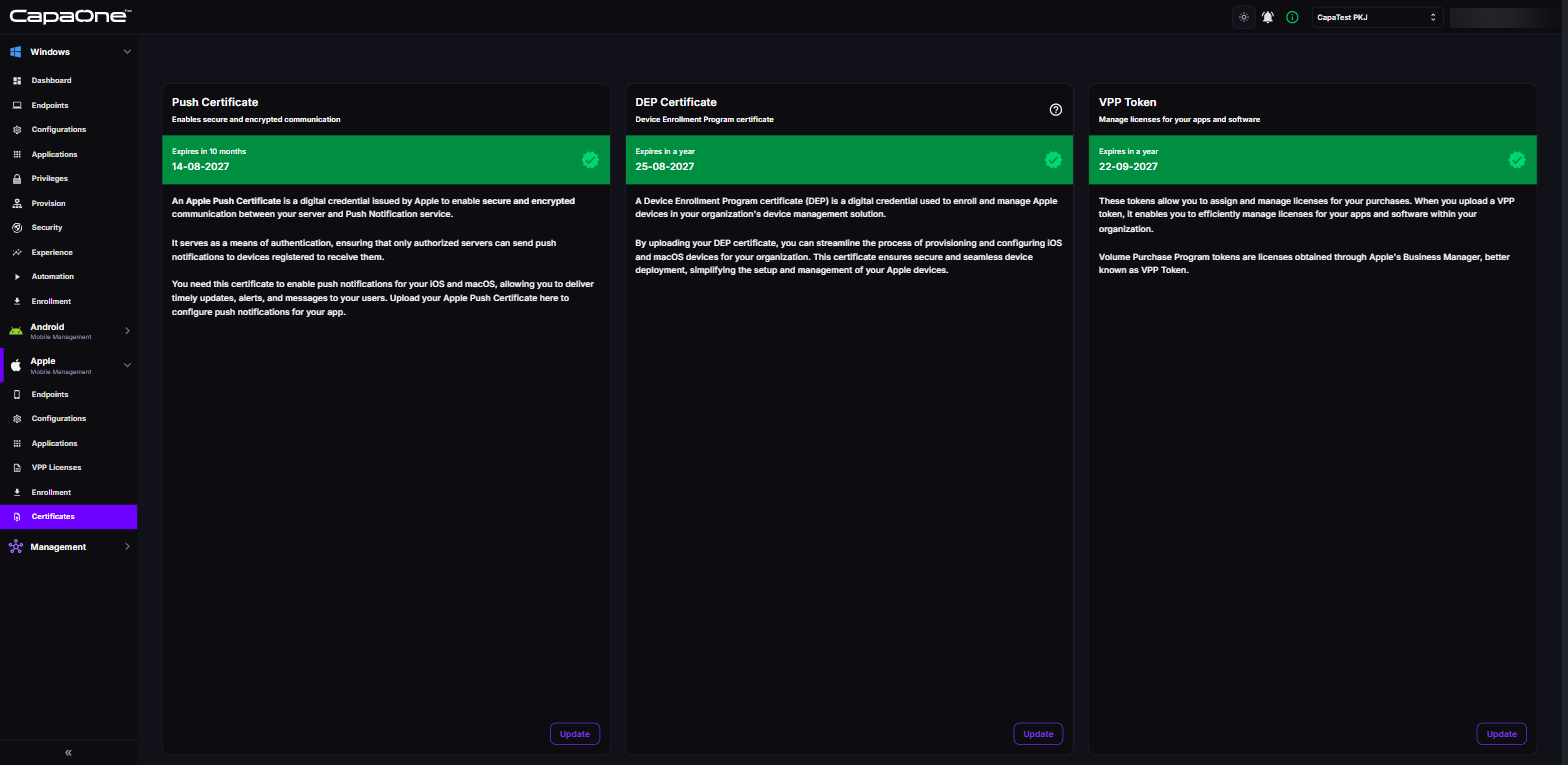
Section titled “Integrate Apple DEP”- In CapaOne, go to Apple → Certificates, and click Update (or Select) on the DEP Certificate card.
- Download the Public Key.
- In ABM, go to your MDM servers under Preferences and click Add.
- Name the server (for example, CapaOne MDM) and upload the public key.
- Open the new server and click Download Token. ABM downloads the server token (
.p7mfile). - In CapaOne, click Select DEP Token, select the
.p7mfile, and click Upload.
CapaOne is now linked with ABM. The DEP Certificate card shows the token’s expiration date.
If you are renewing the DEP token for an MDM server that already exists in ABM, skip steps 2–4.
Open the existing MDM server in ABM, click Download Token, and upload the new .p7m file in
CapaOne. If you’ve lost the public key, you can download it again from the information icon in the
upload dialog.
Assign devices to CapaOne MDM
Section titled “Assign devices to CapaOne MDM”You can now assign devices to CapaOne MDM in ABM.
- In ABM, go to Devices.
- Select devices → Assign Device Management → assign to CapaOne MDM server.
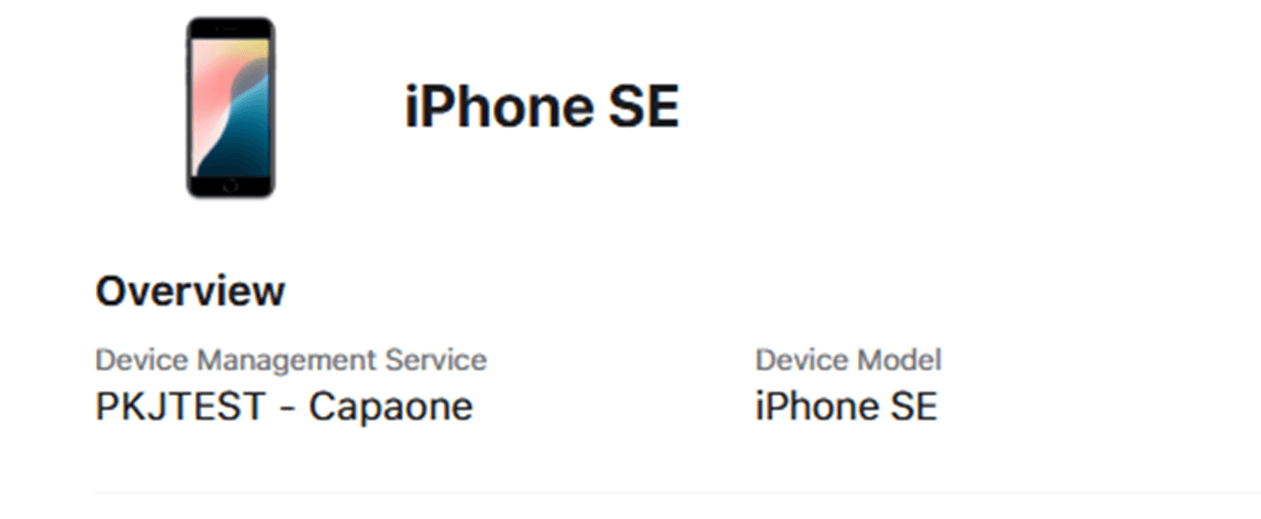
Devices now automatically DEP enroll to CapaOne when activated or reset.