

Create Managed Configuration for Android
This is a description on how to setup and use a Managed configuration for a Google Play application, for android devices
Instructions
Section titled “Instructions”- Go to Capaone.com
- Click the Android menu -> application
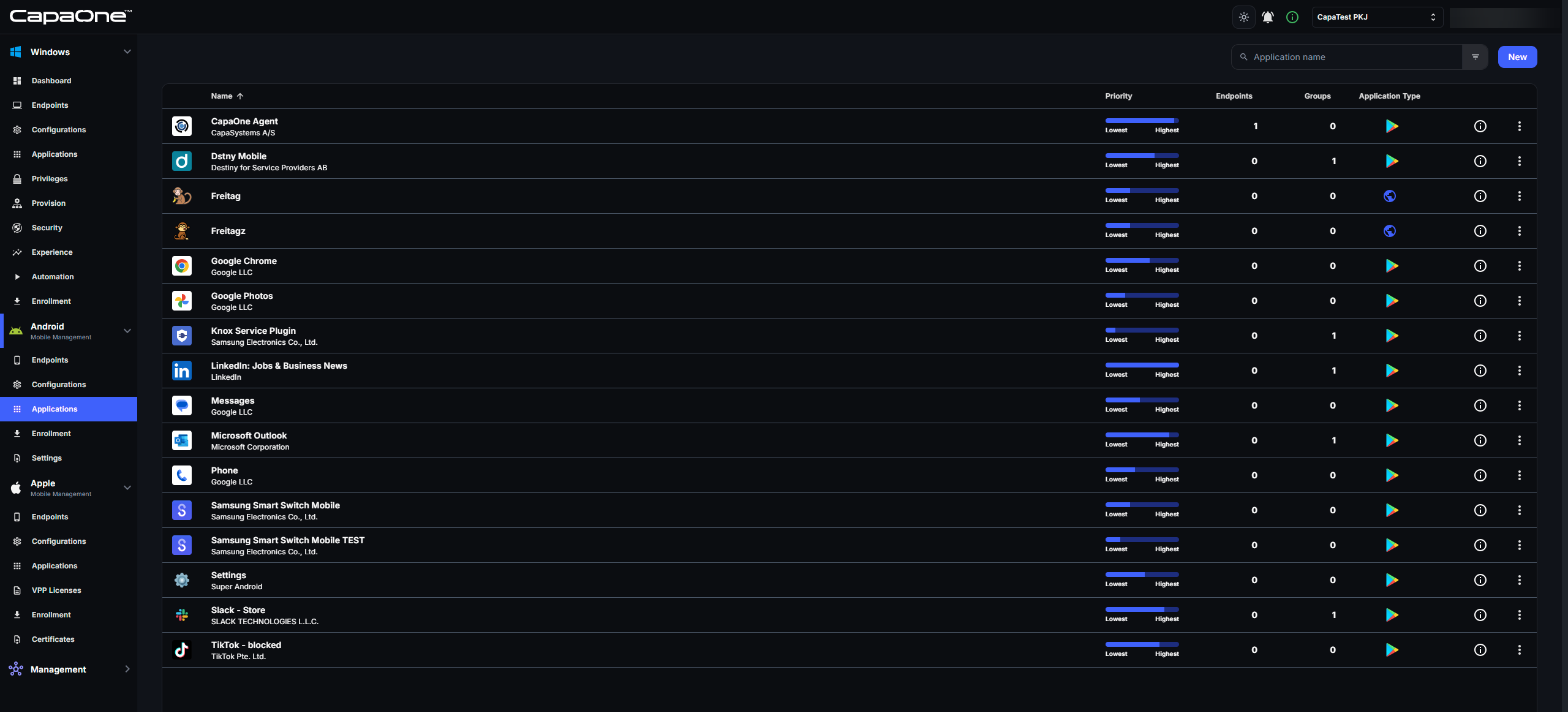
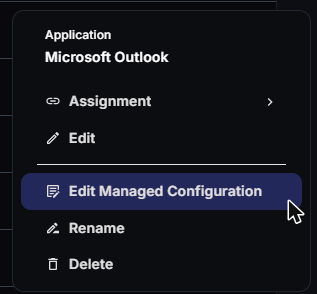
- Find the app you want to create a Managed Configuration for, then click the three-dot menu and select “Edit Managed Configuration”. The option is available for Google Play apps. It isn’t available for web apps or the CapaOne Agent app.
- Make the desired configuration changes to the application and click Save. You can use
macros in the values, such as
$user.email$or$hwi.serialNumber$. Point to the help icon in the top-right corner of the editor to see the Supported Macros. - The managed configuration is saved with the app. It applies to the endpoints and groups the app is assigned to.