

Create a New Application for Android
This describes how to add a new Google Play application for Android devices in CapaOne.
Instructions
Section titled “Instructions”-
Go to Capaone.com
-
Click the Android menu -> Applications
-
Click New
-
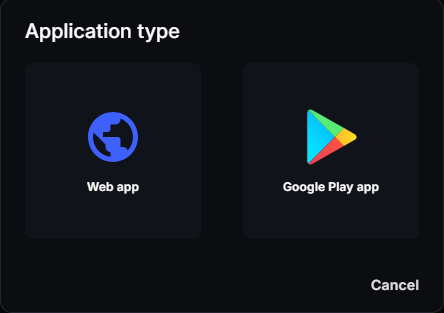
Select Google Play app
-
Search for the desired app
-
Click on the desired app from the search results
-
Click Select
-
Click Create
To add a web app instead, select Web app in step 4. See Android Applications.
The application is now created and ready to be configured, assigned a Managed Configuration (if supported), and distributed to endpoints or groups.