Windows Enrollment with SCCM
You can deploy the CapaOne Agent from Microsoft SCCM in four steps.
Deploy the CapaOne Agent
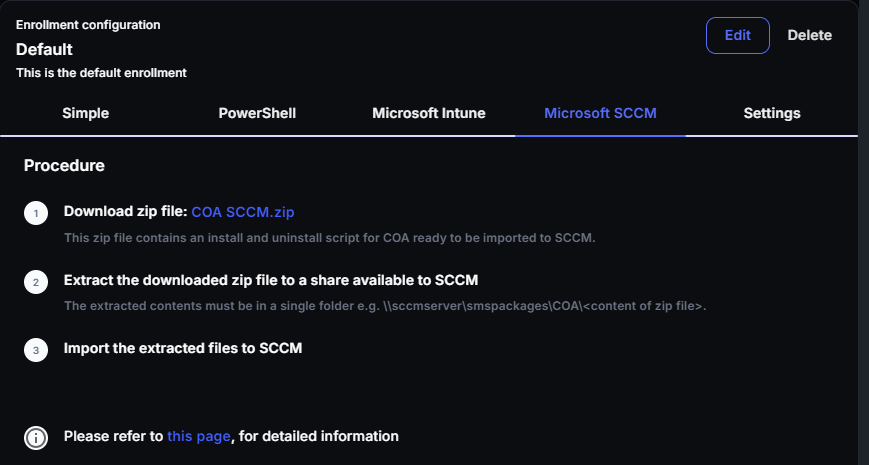
Section titled “Deploy the CapaOne Agent”- In CapaOne, go to Windows → Enrollment, open the enrollment
configuration, and select the Microsoft SCCM tab. Download
COA SCCM.zipand extract it to a share that SCCM can reach. The extracted contents must be in a single folder, for example\\sccmserver\smspackages\COA\.
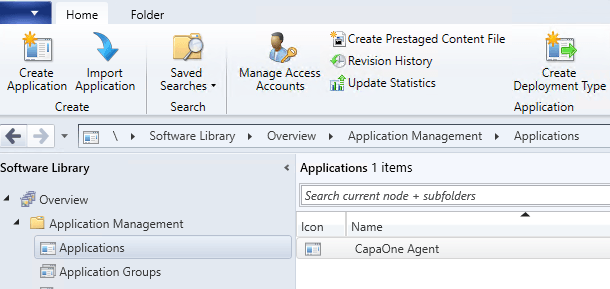
- Import the extracted contents as an Application in SCCM.
-
Create a collection containing the endpoints that should have the CapaOne Agent installed.
-
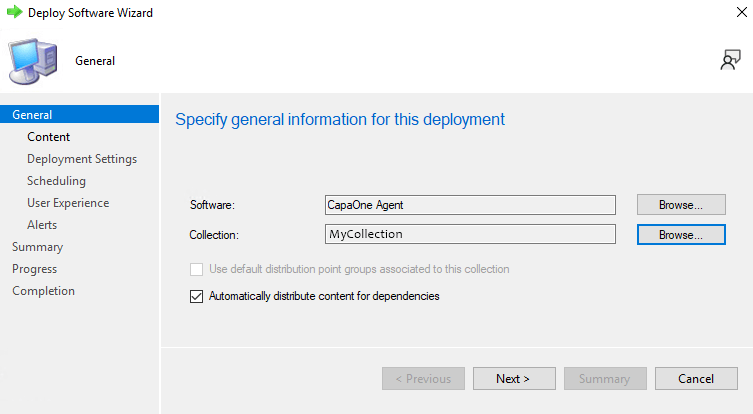
Deploy the Application to the Collection.