Find SIM Card Information on Android
This how-to article will guide you in finding the SIM card information, such as phone number and carrier, for an Android phone.
Instructions
Section titled “Instructions”- Login to Dash.capaone.com
- Open the Android menu on the Left side.
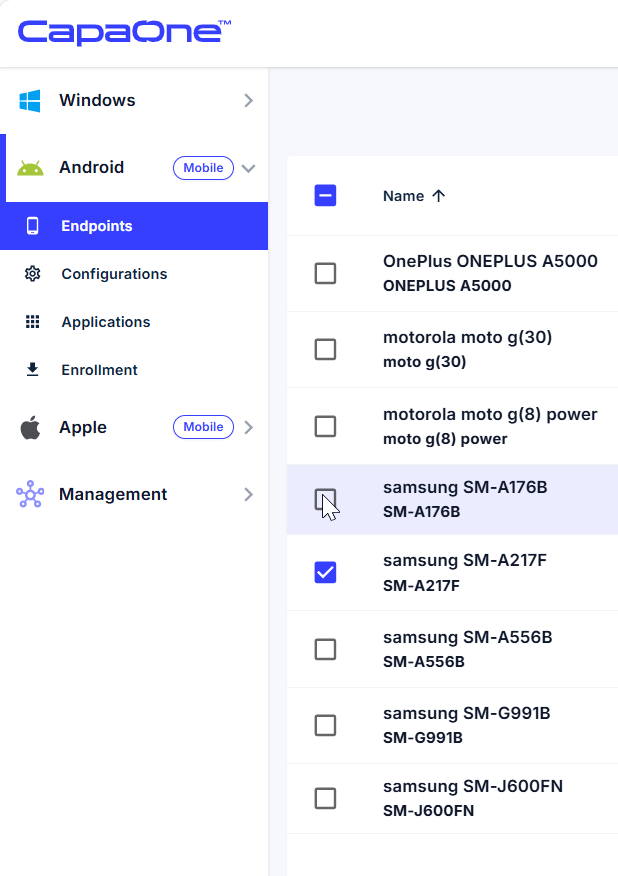
- Select Endpoints.
- Find the device you need the information from and click on the name of the device to go to the device page.
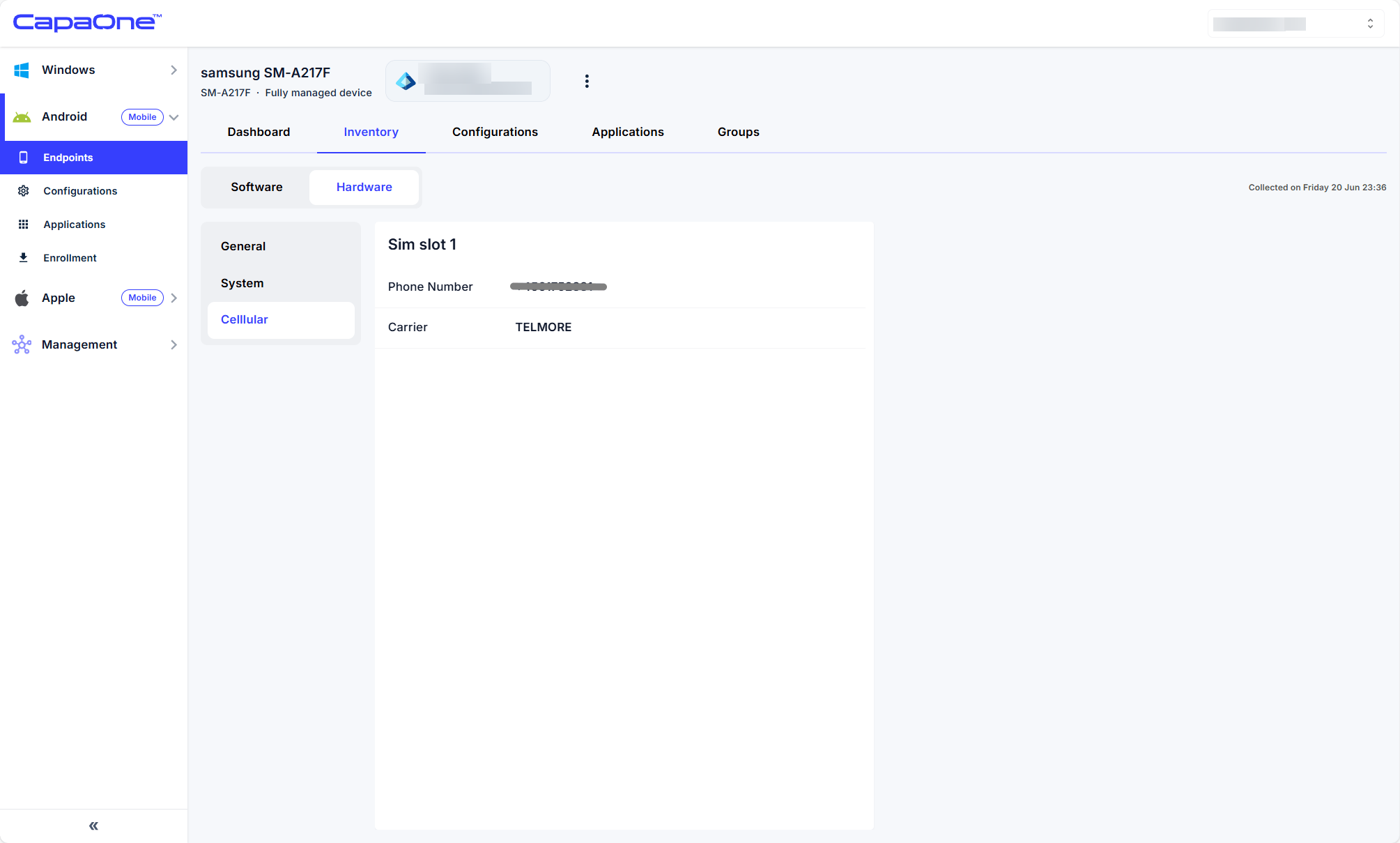
- On the device page, go to Inventory → Hardware → Cellular. The tab shows the phone number, carrier, ICCID, activation state, and SIM configuration mode, with one table per SIM slot. It only appears when the device reports SIM information.