
CapaOne Privilege Manager
Description
Section titled “Description”Session Elevation
Section titled “Session Elevation”Process Elevation
Section titled “Process Elevation”Prerequisites
Section titled “Prerequisites”User Account Control
Section titled “User Account Control”General
Privilege Manager requires that User Account Control (UAC) is enabled and configured as described.
Configuration can be applied using Group Policy Objects (GPO) or Windows Registry Database (REGDB).
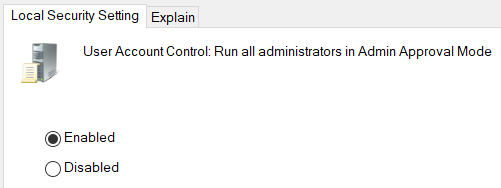
User Account Control: Run all administrators in Admin Approval Mode must be Enabled
GPO: Computer Configuration\Windows Settings\Security Settings\Local Policies\Security Options\User Account Control: Run all administrators in Admin Approval Mode
R
EGDB: HKEY_LOCAL_MACHINE\SOFTWARE\Microsoft\Windows\CurrentVersion\Policies\System\<EnableLUA>:1 (REG_DWORD)
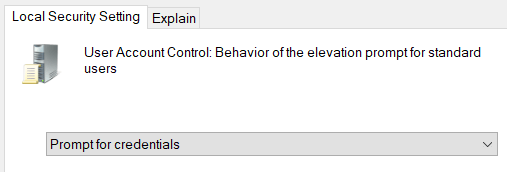
User Account Control: Behavior of the elevation prompt for standard users must be Prompt for credentials or Prompt for credentials on the secure desktop.
GPO: Computer Configuration\Windows Settings\Security Settings\Local Policies\Security Options\User Account Control: Behavior of the elevation prompt for standard users
REGDB: HKEY_LOCAL_MACHINE\SOFTWARE\Microsoft\Windows\CurrentVersion\Policies\System\<ConsentPromptBehaviorUser>:1 or 3 (REG_DWORD)
Configuration Issues
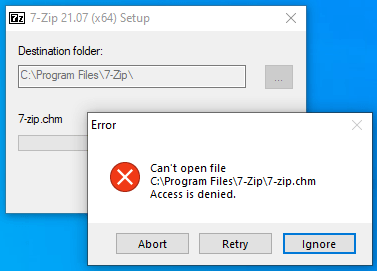
Section titled “Configuration Issues”If User Account Control is disabled, an “access denied” message is presented.
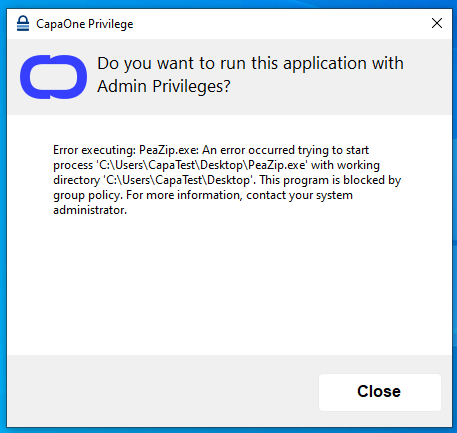
If User Account Control is enabled, but not configured correctly, a “blocking” message is presented.
Process Elevation Rules
Section titled “Process Elevation Rules”Child Processes
Section titled “Child Processes”All applications that use the Windows Command Prompt (cmd.exe) rely on the Console Window Host (conhost.exe) process to interact with other Windows components.
As an example, the Console Window Host makes it possible to drag and drop files and folders from Windows Explorer to Windows Command Prompt.
It is not uncommon to see multiple instances of the Console Window Host in the Task Manager.
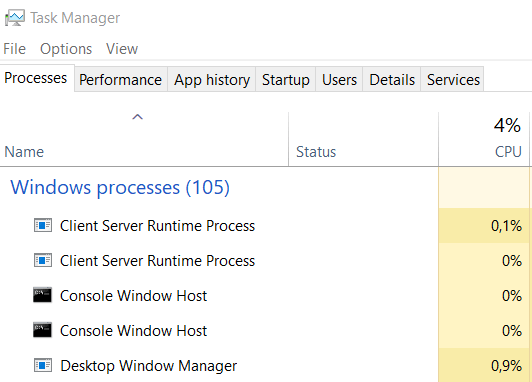
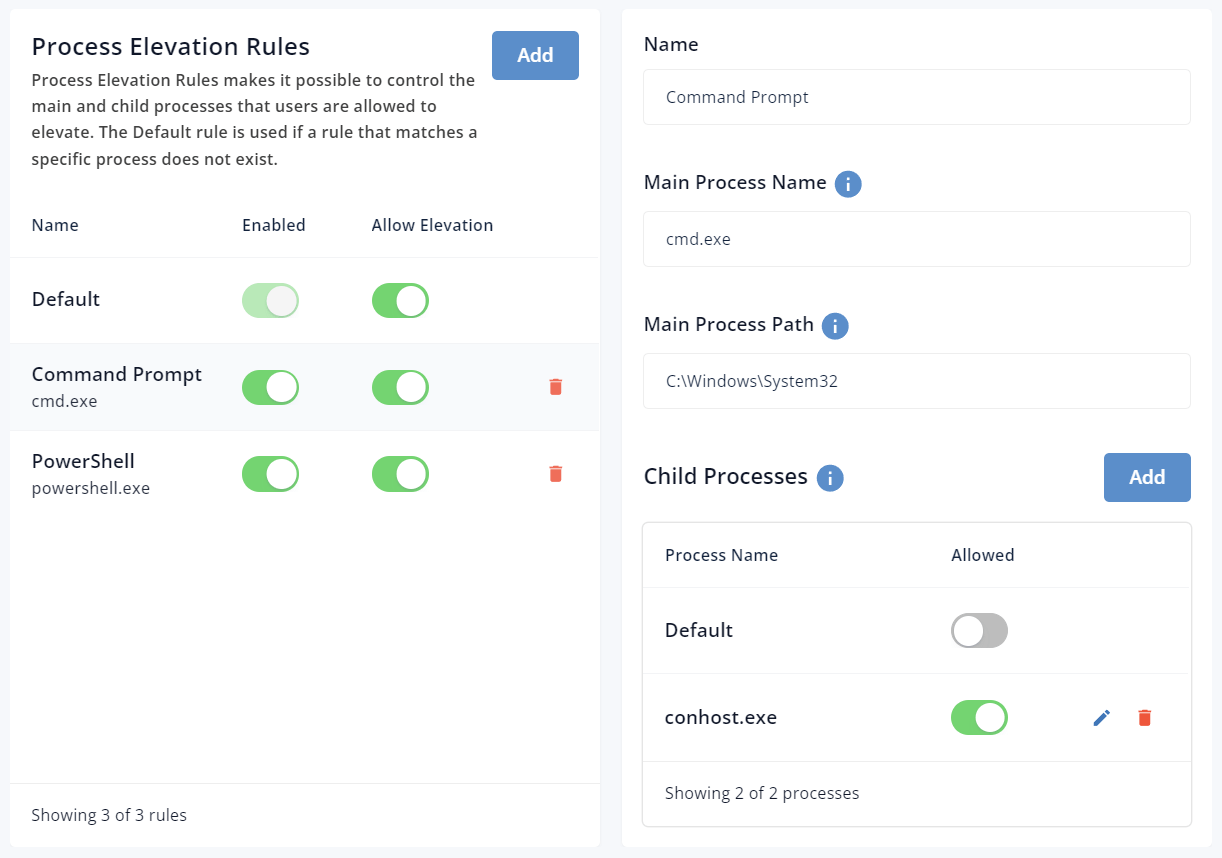
PowerShell and Command Prompt both rely on the Console Window Host. As a result, you need to either allow all child processes (default) or specifically conhost.exe when you create a process elevation rule that allows powershell.exe or cmd.exe
Hide Run as Administrator
Section titled “Hide Run as Administrator”