
Managing Groups
Groups could contain Endpoints and AdminOnDemand configurations
Groups from installer
Section titled “Groups from installer”When installing the CapaOne agent with MSI you have the option to add Clients to a Group, when enrolling. This means you can add your Endpoint to one or multiple Groups when enrolling. with a new MSI property named groups.
If a Group doesn’t exist when enrolling Endpoint. Group are created.
Group View
Section titled “Group View”Overview of defined Groups.
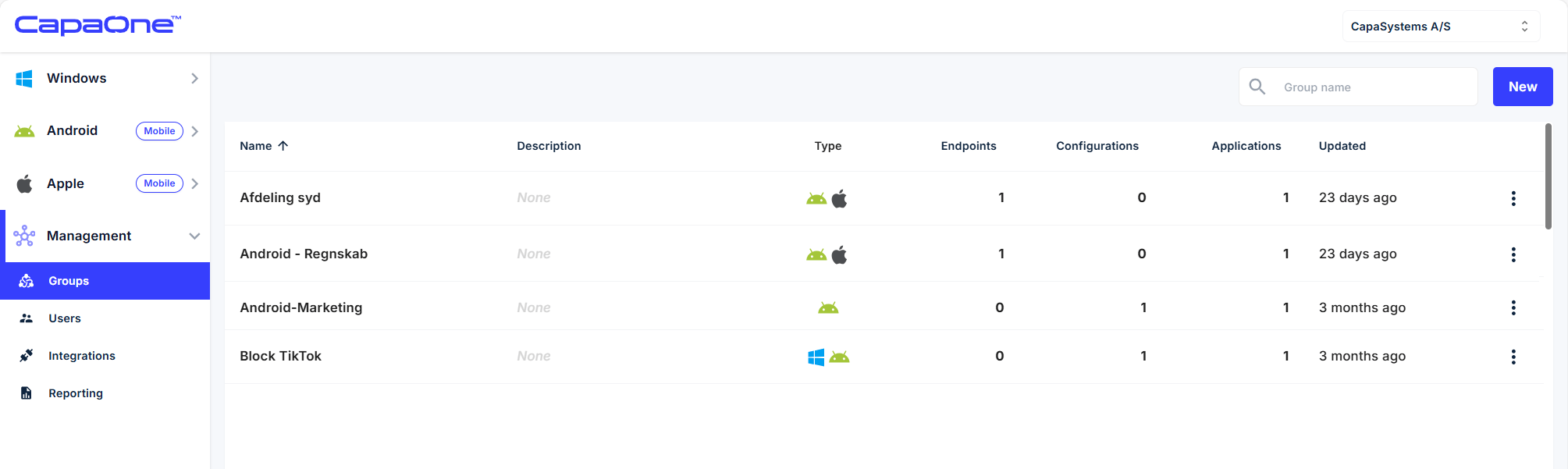
Here you have the option for viewing and creating Groups. These Groups are used in Configurations
Group definitions
Section titled “Group definitions”In this view you can define assigned Endpoint memberships. And configuration membership
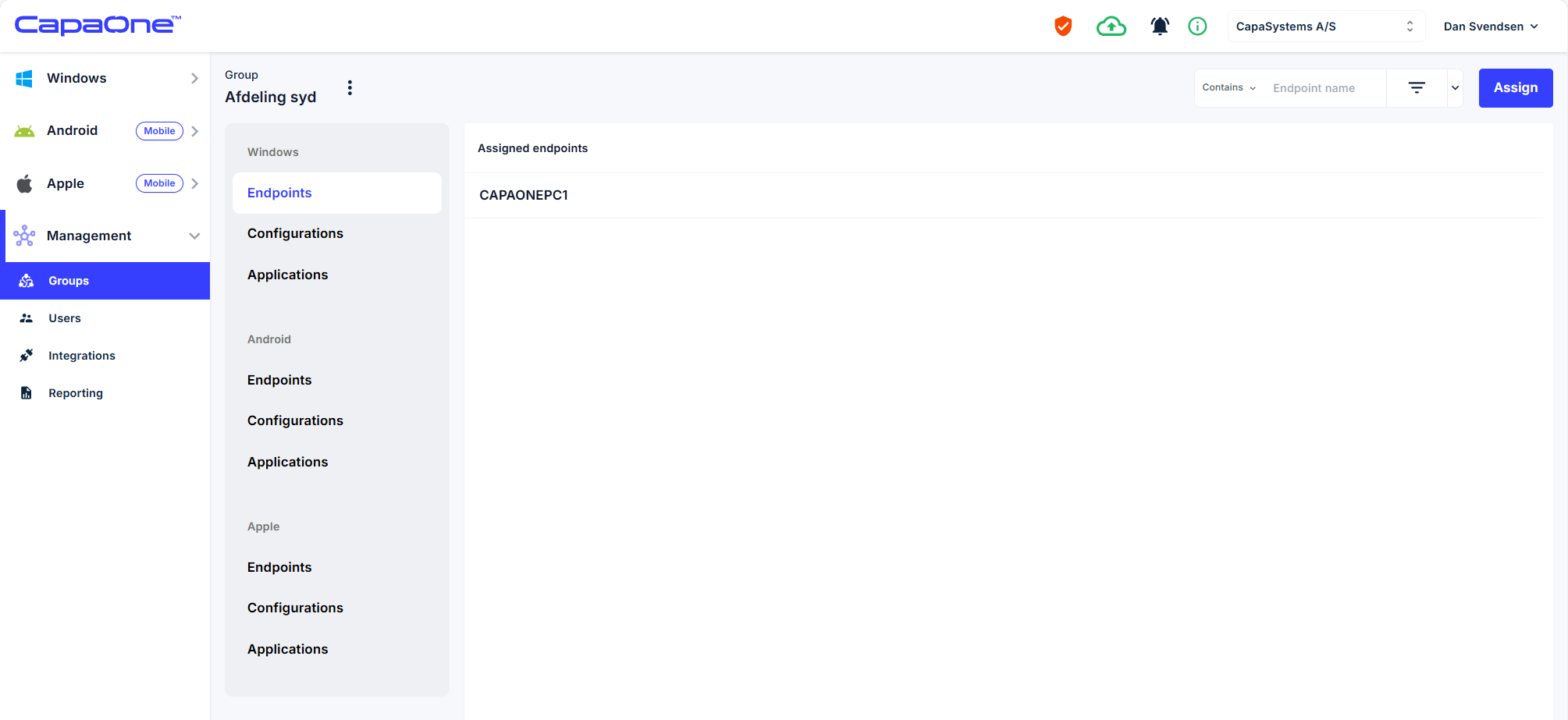
Edit Endpoint membership. To add or remove endpoint from Group.
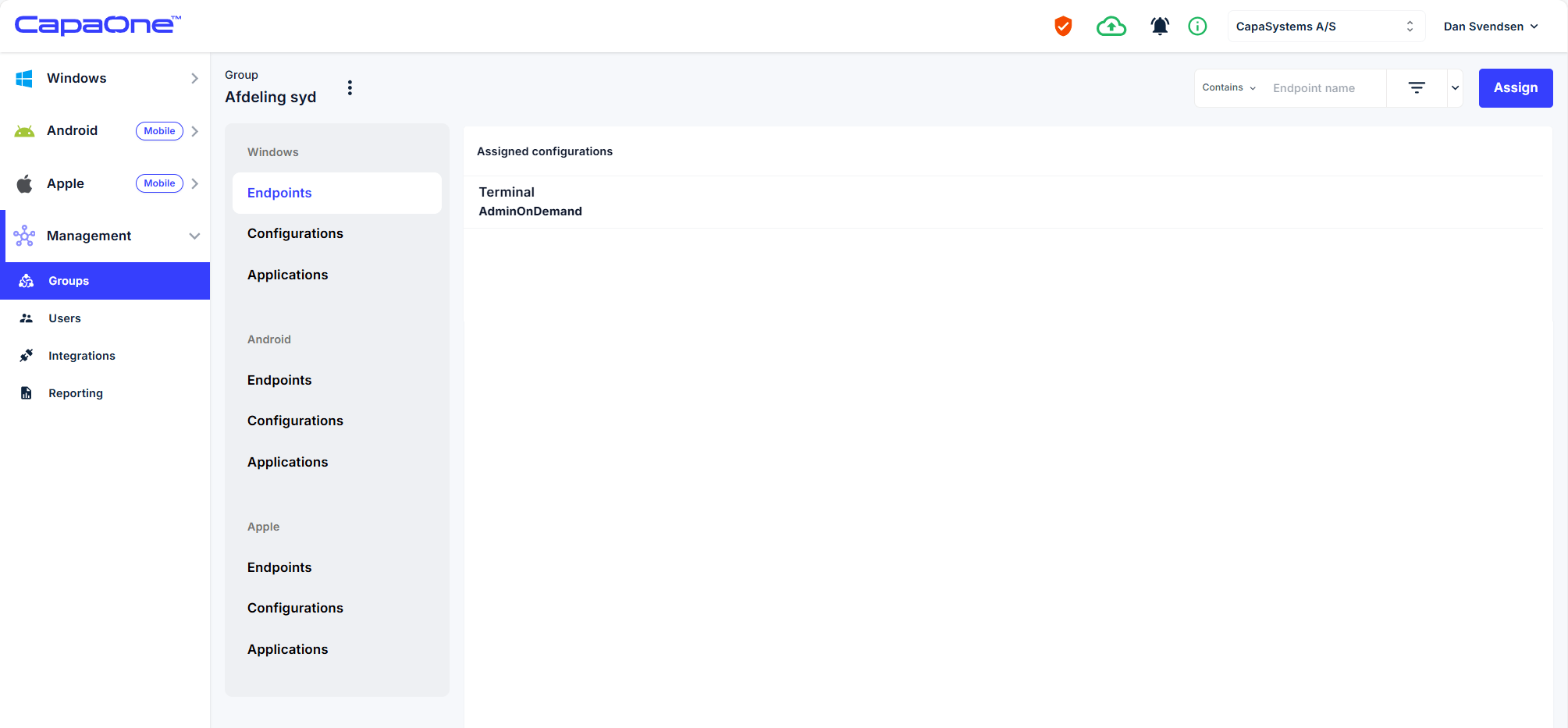
Edit Configuration membership. To add or remove configurations from Group.