- Log in to CapaOne portal.
- Navigate to CapaOne → Apple Setup → Push Certificate.
- Click Download this Push Request and save the file.
- Open Apple Push Certificates Portal (https://identity.apple.com/pushcert).
- Sign in with your Apple ID.
- Create a certificate, upload the Push Request file, and download the .pem file.
- Upload the certificate into CapaOne.
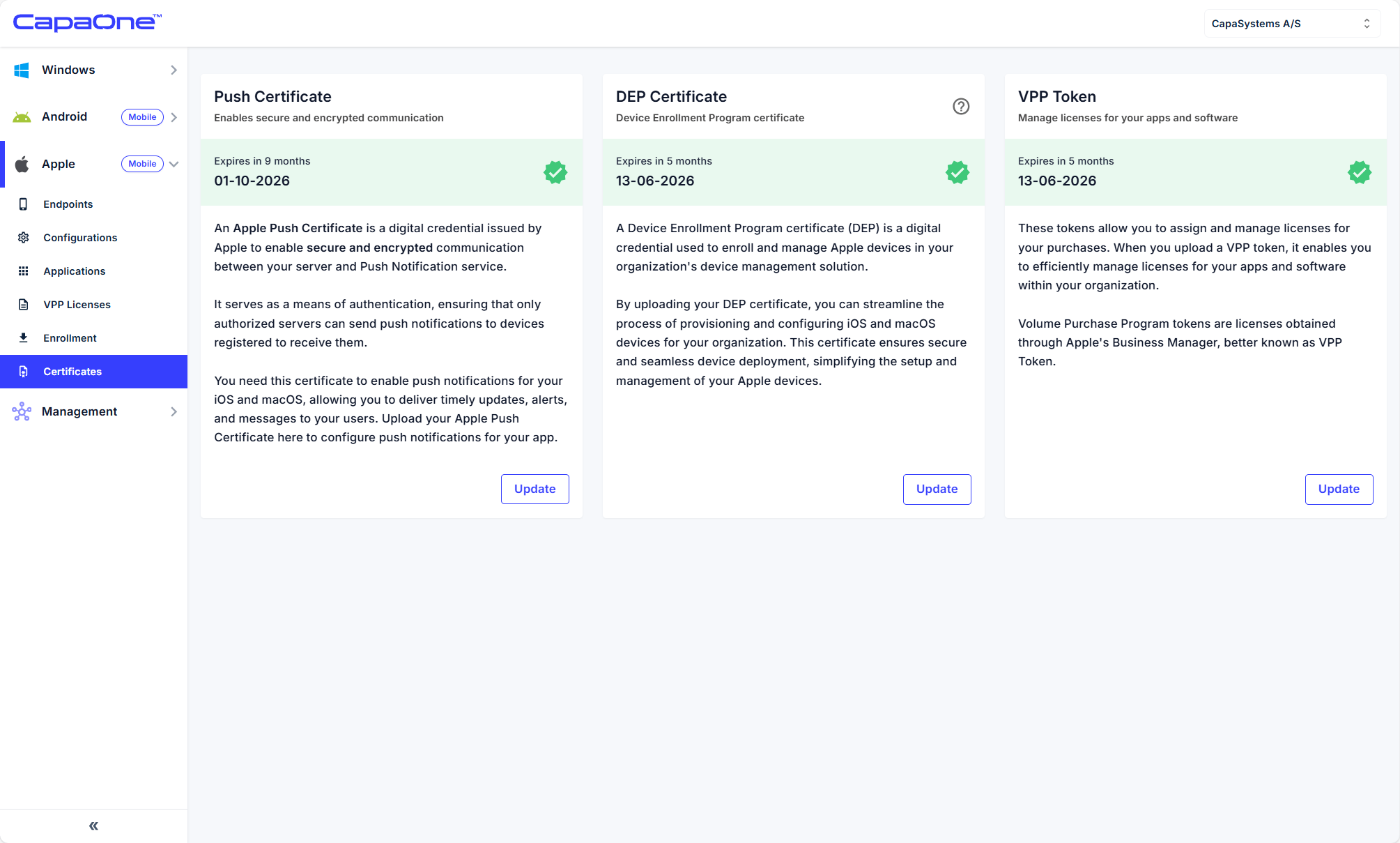
✅ Confirmation: Certificate status shows Active with expiration date.
⚠️ Important: Renew every 12 months with the SAME Apple ID and the same certificate, you have to login and find the certificate and press renew on it!