Provision Manager
Setup Provisioning Template
Section titled “Setup Provisioning Template”Setup Enrollment Configuration
Section titled “Setup Enrollment Configuration”Start PXE Server
Section titled “Start PXE Server”Provision Device
Section titled “Provision Device”View Provisioning Status
Section titled “View Provisioning Status”Active PXE servers
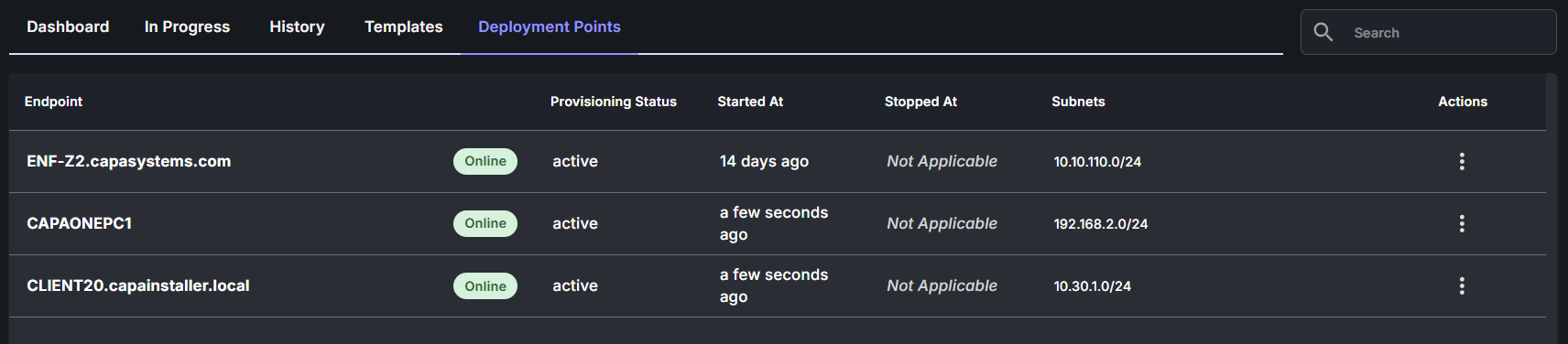
Section titled “Active PXE servers”To view active PXE servers.
- Navigate to Provisioning
- Select the Deployment Points tab
Ongoing Installations
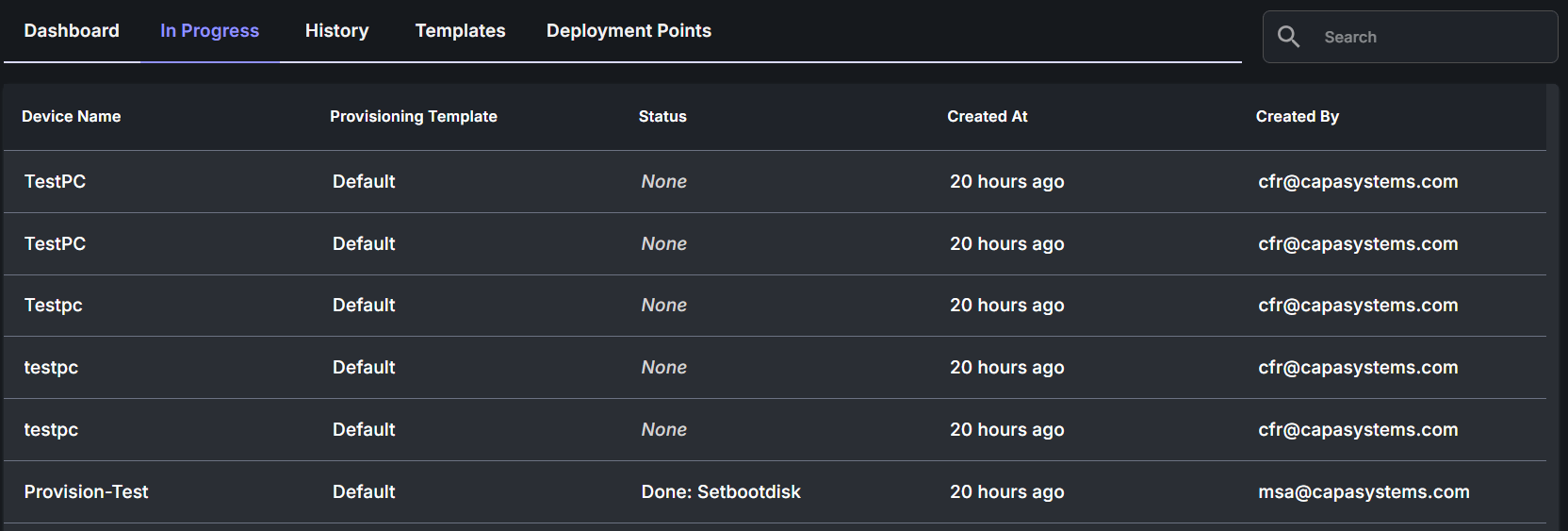
Section titled “Ongoing Installations”To view devices currently being provisioned.
- Navigate to Provisioning
- Select the In Progress tab
💡 A device will only appear after it has been assigned an organization and a template.
Completed Installations
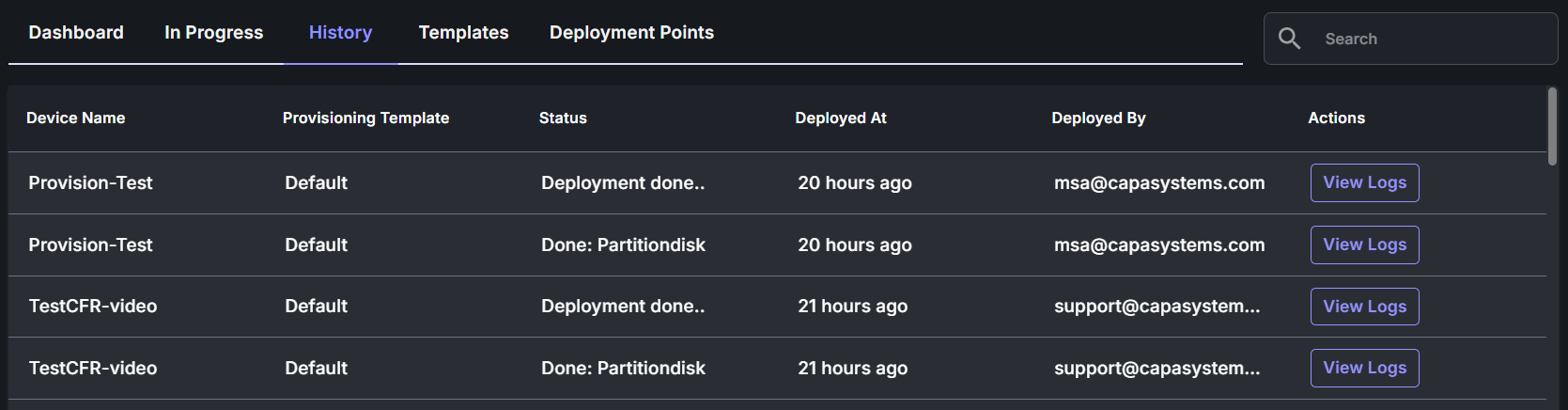
Section titled “Completed Installations”To view a list of all provisioned devices.
- Navigate to Provisioning
- Select the History tab
💡 You can access detailed log files for each provisioned device.
💡 History logs are automatically deleted after a few months.