
Create Managed Configuration for Android
This is a description on how to setup and use a Managed configuration for a Google Play application, for android devices
📘 Instructions
Section titled “📘 Instructions”- Go to Capaone.com
- Click the Android menu -> application
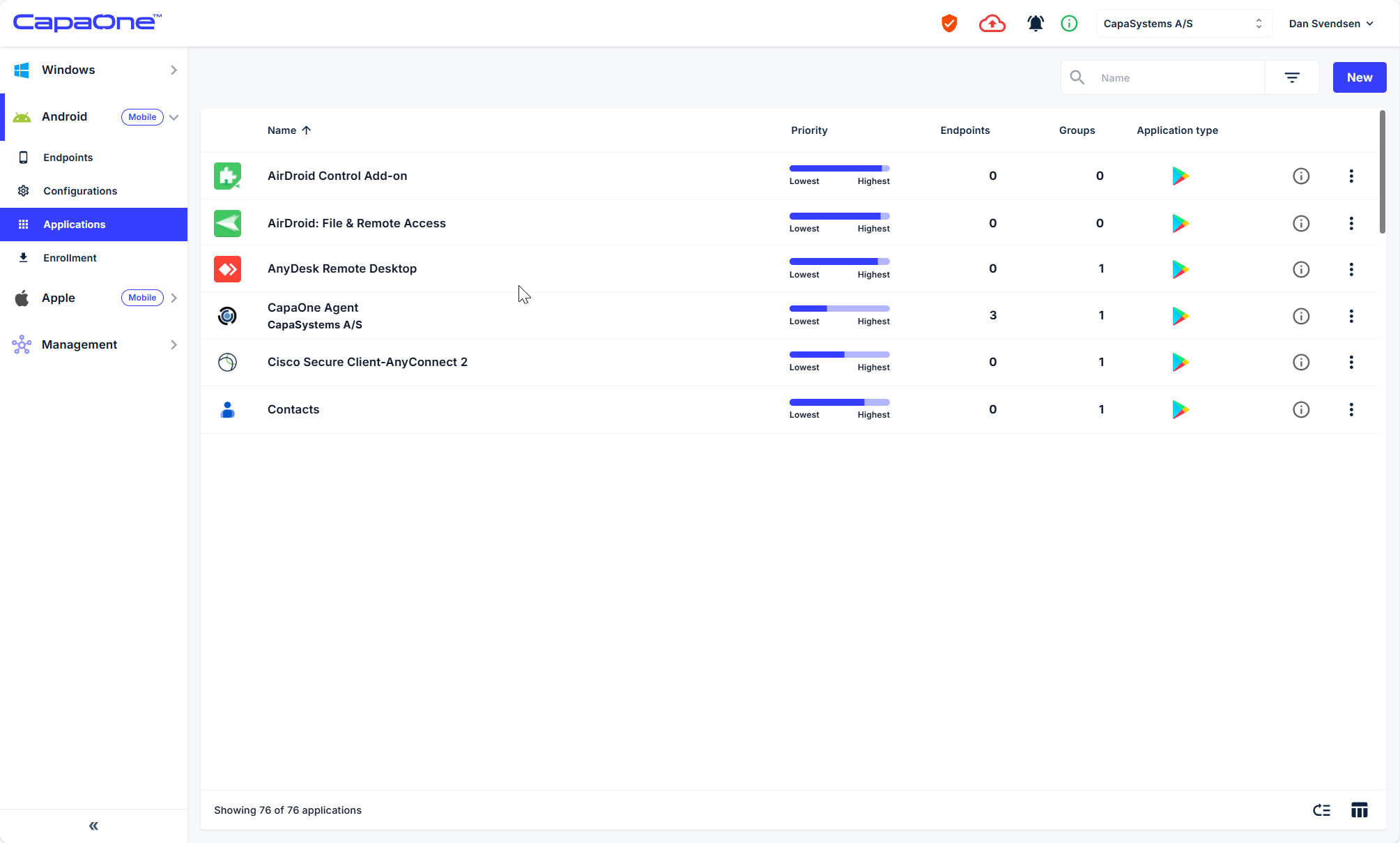
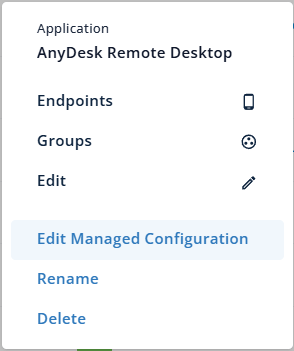
- Find the app you want to create a Managed Configuration for, then click the three-dot menu and select “Edit Managed Configuration”. (Note: Managed Configuration is only available for apps where the developer has provided support for it. If the option is not visible, the app does not support Managed Configuration.)
- Make the desired configuration changes to the application and click Save.
- The Managed Configuration is now ready and can be linked to endpoints or groups.