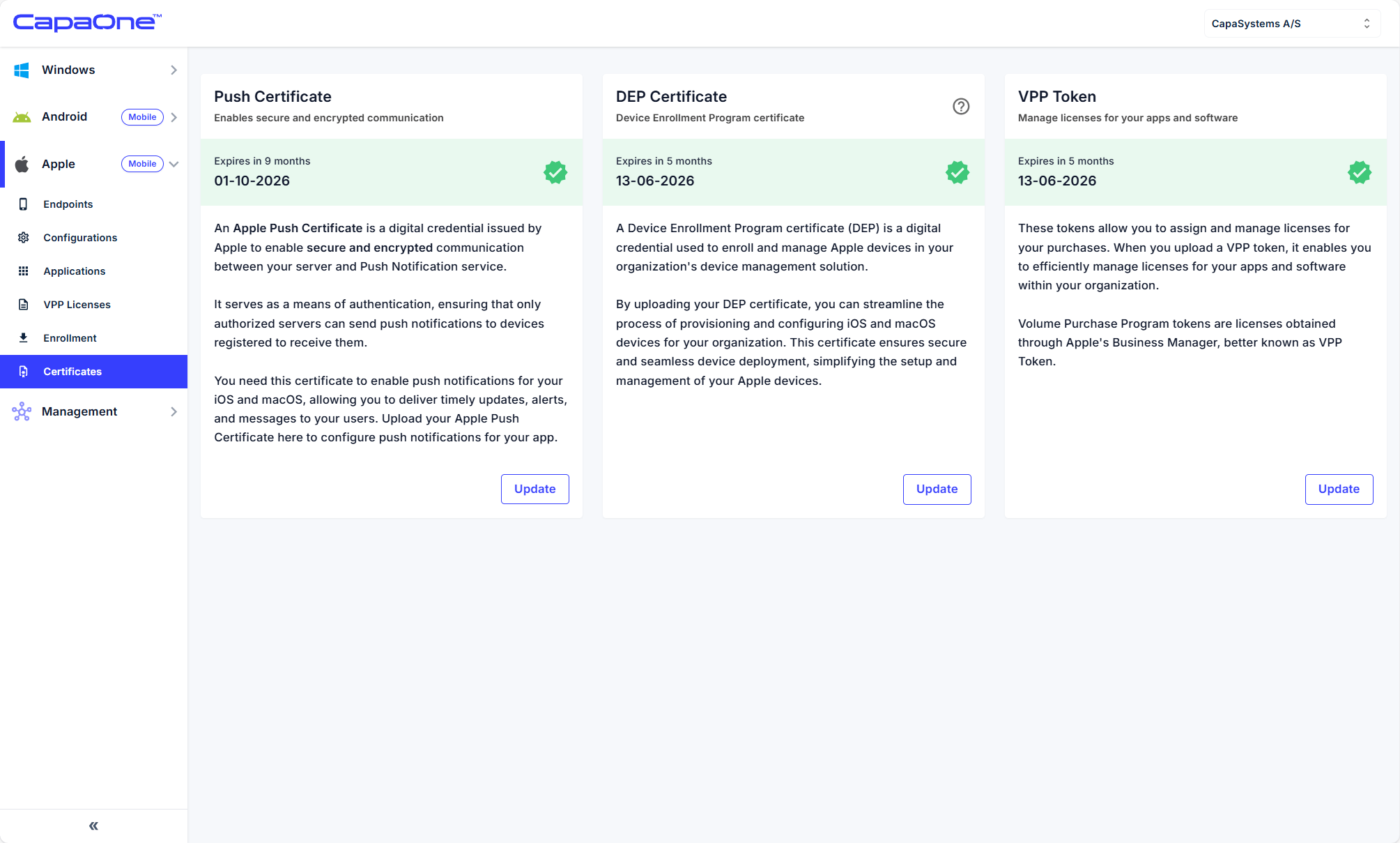
- In CapaOne, go to Apple → Certificates → DEP Certificate → Update.
- Download the Public Key.
- In ABM, go to Settings → MDM Servers → Add MDM Server.
- Upload server token and name the server (e.g., CapaOne MDM).
- Download the ABM server token (.p7m).
- Upload token into CapaOne → Select DEP Token → Upload.
✅ CapaOne is now linked with ABM.
⚠️ If you are renewing a DEP Certificate to an already existing CapaOne ABM device server, then you do not need to do step 2, 3 and 4. There you just need to find your current device server and download a new ABM server token (.p7m). which you can upload to CapaOne to update.